

Paze is available to US-based businesses only. Transactions settle in US dollars and require a US acquiring connection that supports network tokens.
How Paze works
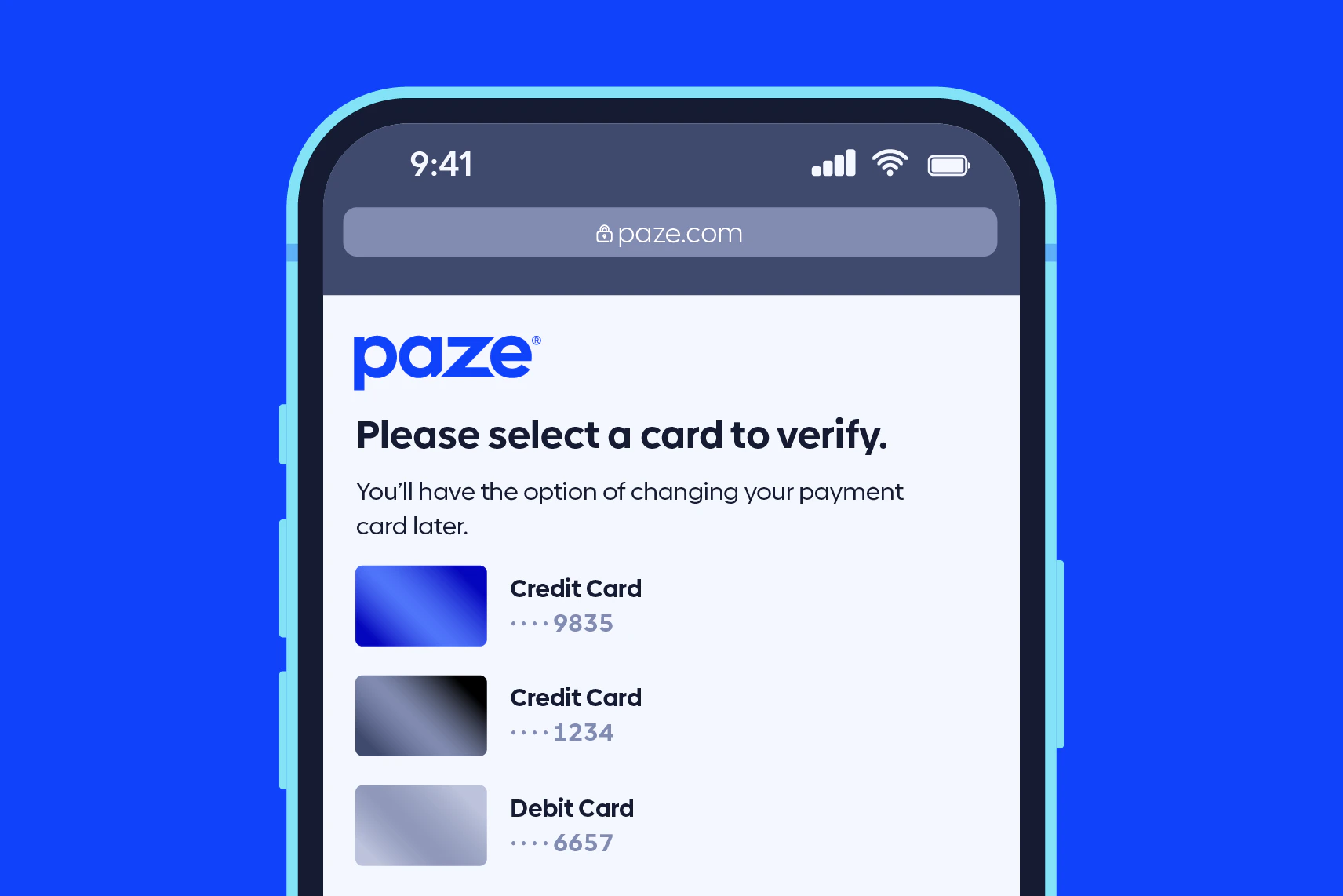
Paze does not require shoppers to install an app or enroll cards. Participating banks pre-provision eligible cards into the wallet, and shoppers authenticate with their existing bank credentials. When a shopper checks out:- Your checkout renders the Paze button and launches the Paze experience using the Paze SDK.
- The shopper selects one of their bank-provisioned cards and authenticates.
- Paze returns an encrypted payload that contains a network token.
- Your server sends that payload to Gr4vy, which decrypts it and creates a transaction.
Paze compared with Apple Pay and Google Pay
Paze works like Apple Pay and Google Pay in most ways. It’s a wallet rather than a payment processor, so one of your card connections authorizes each payment, and Gr4vy decrypts the wallet payload for you. Like Apple Pay and Google Pay device tokens, Paze payments don’t go through 3-D Secure. There are two main differences. Banks pre-provision eligible cards into Paze, so shoppers don’t add their cards to a device first. And where Gr4vy sends Apple Pay and Google Pay payments to your payment service as decrypted wallet tokens, it sends Paze payments as a network token with a cryptogram, in the same way as a network token pass-through. Your payment service needs to accept network tokens in this form.How Gr4vy fits in
Gr4vy acts as the Paze Technical Integrator. This means Gr4vy:- Enrolls your merchant account with Paze and manages the Paze credentials.
- Generates and rotates the encryption keys and certificates that Paze requires.
- Decrypts the Paze payload, extracts the network token, and routes the transaction to your payment service through Flow.
- Ingests the cardholder, billing, and shipping details from the Paze payload and populates them on the transaction. See the per-platform setup guide for the exact mechanics on web and mobile.
Integration paths
You add the Paze button to your checkout using the Paze SDK for your platform. Gr4vy provides a session endpoint that returns the values the Paze SDK needs to initialize.Web (JavaScript)
Add Paze to a web checkout using the Paze JavaScript SDK and the Gr4vy server SDK.
Mobile (native)
Add Paze to iOS and Android apps using the native Paze SDK and the Gr4vy server SDK.
Reference
- Paze for Business — overview for merchants.
sample-standalone-paze— a runnable web sample app.