> ## Documentation Index
> Fetch the complete documentation index at: https://docs.gr4vy.com/llms.txt
> Use this file to discover all available pages before exploring further.
# Direct API
> Get set up with a direct API integration.
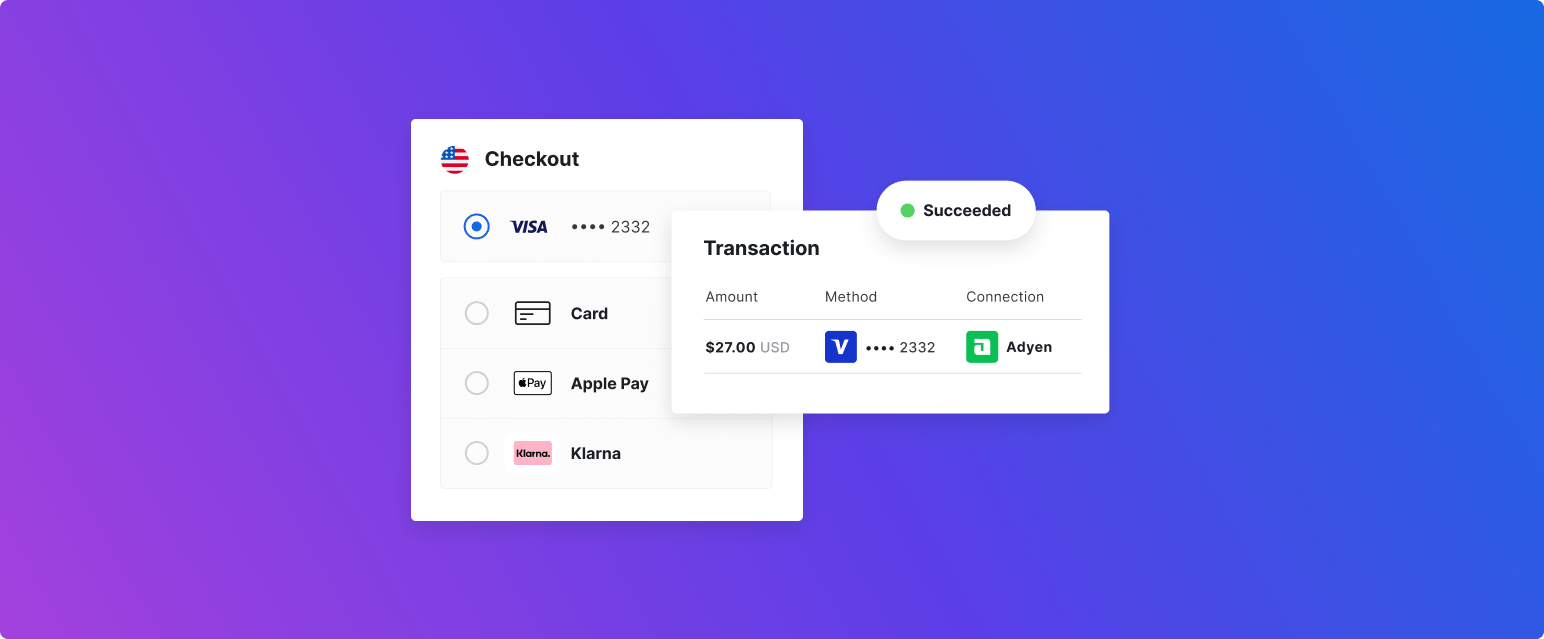 In some situations, using the [Web](/guides/payments/embed/quick-start/overview), [Android](/guides/payments/android/quick-start/overview), and [iOS](/guides/payments/ios) SDKs are not desirable. In these situations, integrate directly into the API to create a bespoke orchestration solution.
This integration is perfect for merchants who may want to integrate a wallet, or other alternative payment method
like PayPal directly via the API.
Using [Secure Fields](/guides/payments/secure-fields) when working with cards is recommended as it reduces the PCI scope of the integration. If intending to use the API directly for card payments without Secure Fields then a PCI-DSS level 1 certification is required.
In this quick start guide, the following steps are covered.
1. [Authenticate](/guides/payments/direct-api/quick-start/key) by creating an API key and generating a signed JWT token.
2. [Get the payment options](/guides/payments/direct-api/quick-start/payment-options) to display at checkout via the API.
3. [Create a transaction](/guides/payments/direct-api/quick-start/transaction) with the payment method selected at checkout.
4. [Redirect the customer](/guides/payments/direct-api/quick-start/handle-redirect) to the payment service to complete the payment.
5. [Get the transaction result](/guides/payments/direct-api/quick-start/status) to determine the status of the payment.
In some situations, using the [Web](/guides/payments/embed/quick-start/overview), [Android](/guides/payments/android/quick-start/overview), and [iOS](/guides/payments/ios) SDKs are not desirable. In these situations, integrate directly into the API to create a bespoke orchestration solution.
This integration is perfect for merchants who may want to integrate a wallet, or other alternative payment method
like PayPal directly via the API.
Using [Secure Fields](/guides/payments/secure-fields) when working with cards is recommended as it reduces the PCI scope of the integration. If intending to use the API directly for card payments without Secure Fields then a PCI-DSS level 1 certification is required.
In this quick start guide, the following steps are covered.
1. [Authenticate](/guides/payments/direct-api/quick-start/key) by creating an API key and generating a signed JWT token.
2. [Get the payment options](/guides/payments/direct-api/quick-start/payment-options) to display at checkout via the API.
3. [Create a transaction](/guides/payments/direct-api/quick-start/transaction) with the payment method selected at checkout.
4. [Redirect the customer](/guides/payments/direct-api/quick-start/handle-redirect) to the payment service to complete the payment.
5. [Get the transaction result](/guides/payments/direct-api/quick-start/status) to determine the status of the payment.