> ## Documentation Index
> Fetch the complete documentation index at: https://docs.gr4vy.com/llms.txt
> Use this file to discover all available pages before exploring further.
# Android SDK
> Get set up with the Android SDK for your checkout experience.
**New Kotlin SDK Available**
It is recommended to use the new [Kotlin SDK](/guides/payments/native/overview) for native Android development.
It provides native 3DS support, improved performance, and a modern API. This Android SDK (Embed-based) is still supported and maintained for web view implementations.
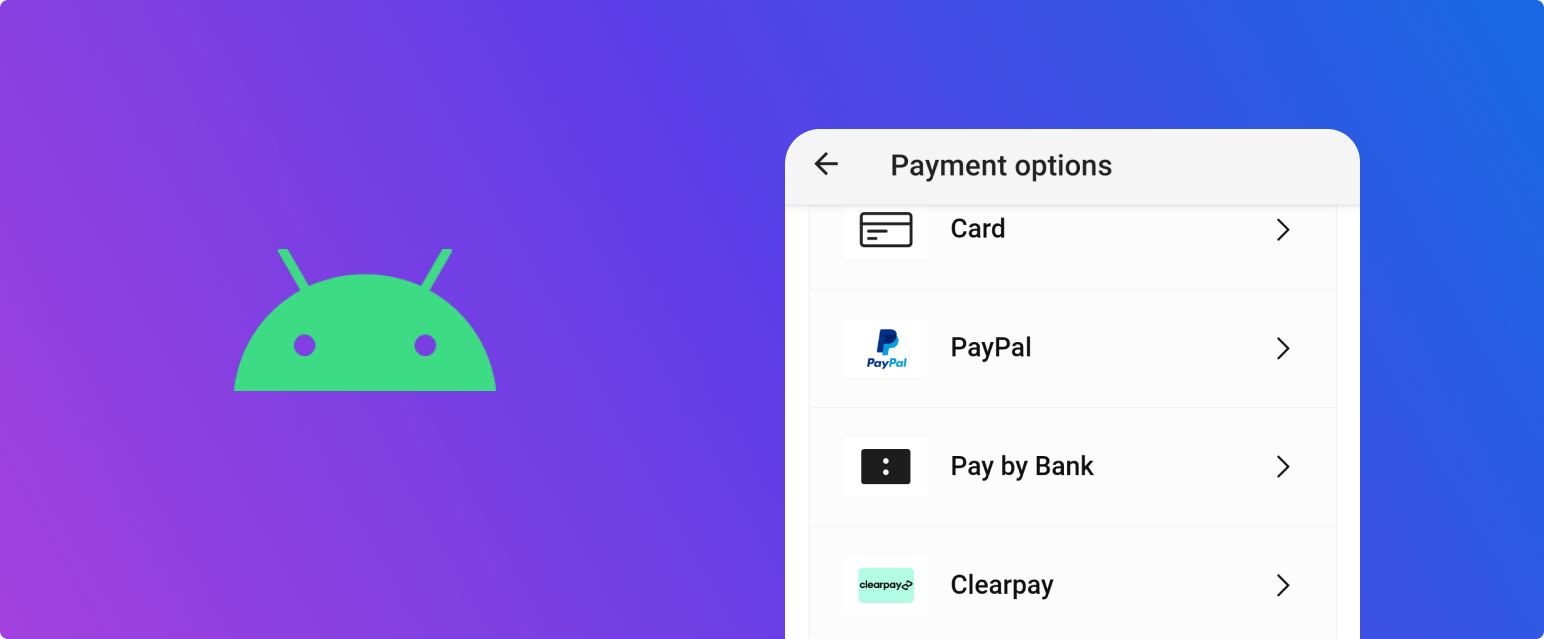 In this quick start guide, the following steps are covered.
1. [Create an API key](/guides/payments/android/quick-start/key) which is needed to generate
the signed JWT token in step 2.
2. [Set up a server-side SDK](/guides/payments/android/quick-start/sdks) to generate a client
token for authenticating to the API.
3. [Install the Android SDK](/guides/payments/android/quick-start/android) which handles the
capture of the payment method details and process the payment.
4. [Process the transaction](/guides/payments/android/quick-start/transact) and inspect the result.
In this quick start guide, the following steps are covered.
1. [Create an API key](/guides/payments/android/quick-start/key) which is needed to generate
the signed JWT token in step 2.
2. [Set up a server-side SDK](/guides/payments/android/quick-start/sdks) to generate a client
token for authenticating to the API.
3. [Install the Android SDK](/guides/payments/android/quick-start/android) which handles the
capture of the payment method details and process the payment.
4. [Process the transaction](/guides/payments/android/quick-start/transact) and inspect the result.