> ## Documentation Index
> Fetch the complete documentation index at: https://docs.gr4vy.com/llms.txt
> Use this file to discover all available pages before exploring further.
# Merchant accounts
> Manage multiple accounts in one instance
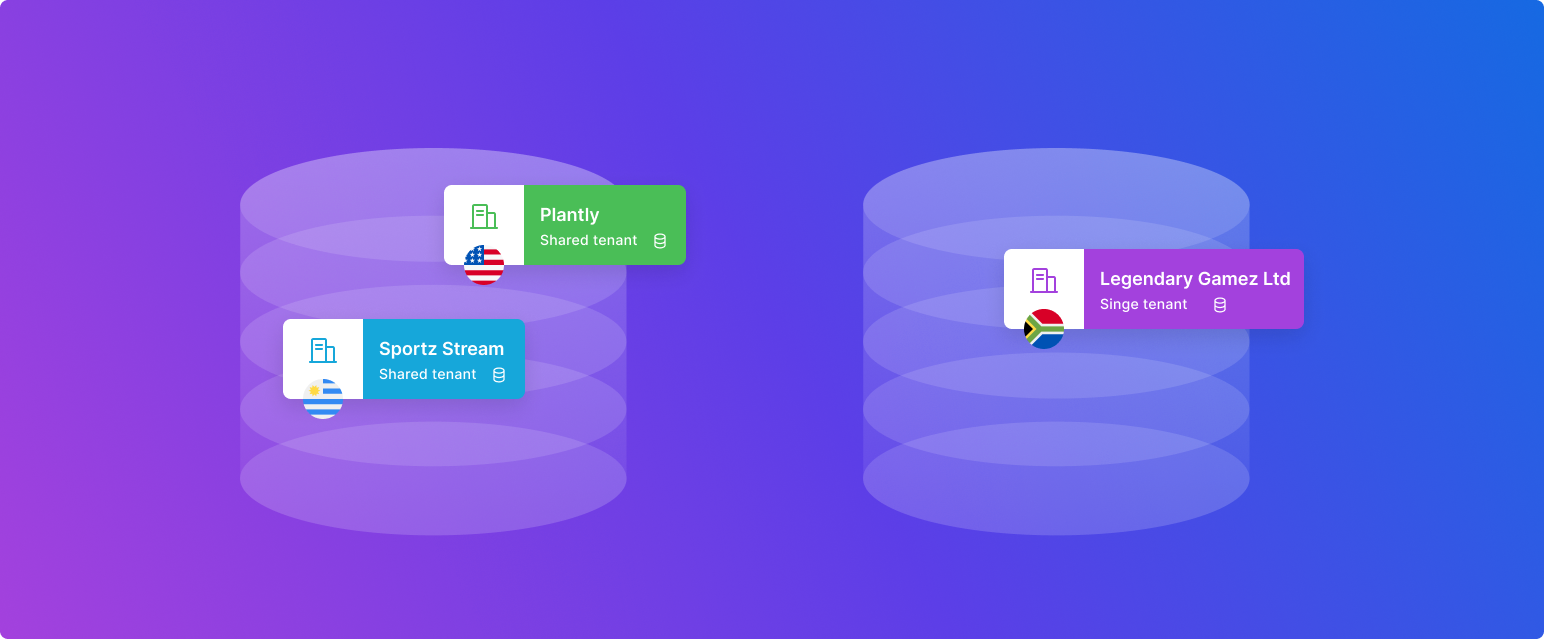 Multiple merchant accounts can be supported in one instance. Each merchant account represents a
single merchant with its connections to payment and anti-fraud services, users, API keys,
Flow rules, transactions, and more.
By default each instance only has one "default" merchant account, creating a uniquely contained,
single-tenant infrastructure, yet for those who need to support it, additional merchant accounts
can be enabled to allow for easy separation of data between each of the different accounts.
**Enabling multi-merchant**
Support for multiple merchant accounts in one instance is a
premium feature. Please contact the account manager for pricing.
## The basics
* Each **environment** has **one default merchant account** that all data is associated with
* Transactions, payment methods, buyers, flow rules, connections,
and all other **transaction data** are associated with **one (and only one) merchant account**
* New merchants accounts can be created by administrators
* **Administrators** always have access to **all merchant accounts**
* Other **users** can be assigned to have access to **one or more merchant accounts**
* **API keys** can be created that act can access **either one, or all merchant accounts**
## Learn more
Learn how to set up merchant accounts including custom webhook configuration.
Learn how to set up new users and associate them with merchant accounts.
Learn how to set up new API keys and restrict them to one or many merchant accounts.
Learn how to configure Embed to handle different merchant accounts.
Multiple merchant accounts can be supported in one instance. Each merchant account represents a
single merchant with its connections to payment and anti-fraud services, users, API keys,
Flow rules, transactions, and more.
By default each instance only has one "default" merchant account, creating a uniquely contained,
single-tenant infrastructure, yet for those who need to support it, additional merchant accounts
can be enabled to allow for easy separation of data between each of the different accounts.
**Enabling multi-merchant**
Support for multiple merchant accounts in one instance is a
premium feature. Please contact the account manager for pricing.
## The basics
* Each **environment** has **one default merchant account** that all data is associated with
* Transactions, payment methods, buyers, flow rules, connections,
and all other **transaction data** are associated with **one (and only one) merchant account**
* New merchants accounts can be created by administrators
* **Administrators** always have access to **all merchant accounts**
* Other **users** can be assigned to have access to **one or more merchant accounts**
* **API keys** can be created that act can access **either one, or all merchant accounts**
## Learn more
Learn how to set up merchant accounts including custom webhook configuration.
Learn how to set up new users and associate them with merchant accounts.
Learn how to set up new API keys and restrict them to one or many merchant accounts.
Learn how to configure Embed to handle different merchant accounts.