> ## Documentation Index
> Fetch the complete documentation index at: https://docs.gr4vy.com/llms.txt
> Use this file to discover all available pages before exploring further.
# 3-D Secure in Embed
Any merchant using Embed automatically benefits from **Universal 3-D
Secure** once it has been [set up](/guides/features/3ds/setup) for a payment service.
 Additionally, **Dynamic 3-D Secure** can be set up using Flow rules, allowing dynamic
skipping or forcing of 3-D Secure based on anti-fraud decisions, cart items, or any other transaction data.
## Buyers and billing details
To optimize 3-D Secure it is highly recommended to provide a buyer with billing details attached to Embed.
A buyer can be set up via the [`POST /buyers`](/reference/buyers/new-buyer)
API. The buyer can then be attached to Embed by using the `buyerId` or
`buyerExternalIdentifier` property. The buyer's name, email address, and billing
address are used to help reduce buyers being asked to complete a 3-D Secure
challenge.
```js React theme={"system"}
```
```js Node theme={"system"}
gr4vy.setup({
gr4vyId: "example",
amount: 1299,
currency: "AUD",
country: "AU",
buyerExternalIdentifier: "user-1234",
...
});
```
The instance ID is the unique identifier for the deployment of the system and is included in every API call.
Together with the environment (sandbox or production) it is used to connect to the right APIs, as well as dashboard.
We will use these billing details when contacting payment services, 3-D Secure Server, anti-fraud services, and more.
## Features
For every transaction, we will handle the following steps.
1. Detect if any Flow rule explicitly requires or skips 3-D Secure
2. Detect if the selected payment service for this transaction has 3-D Secure
enabled
3. Detect if the card used in the transaction is enrolled for 3-D Secure
4. Handle the seamless frictionless 3-D Secure flow including the device finger
printing
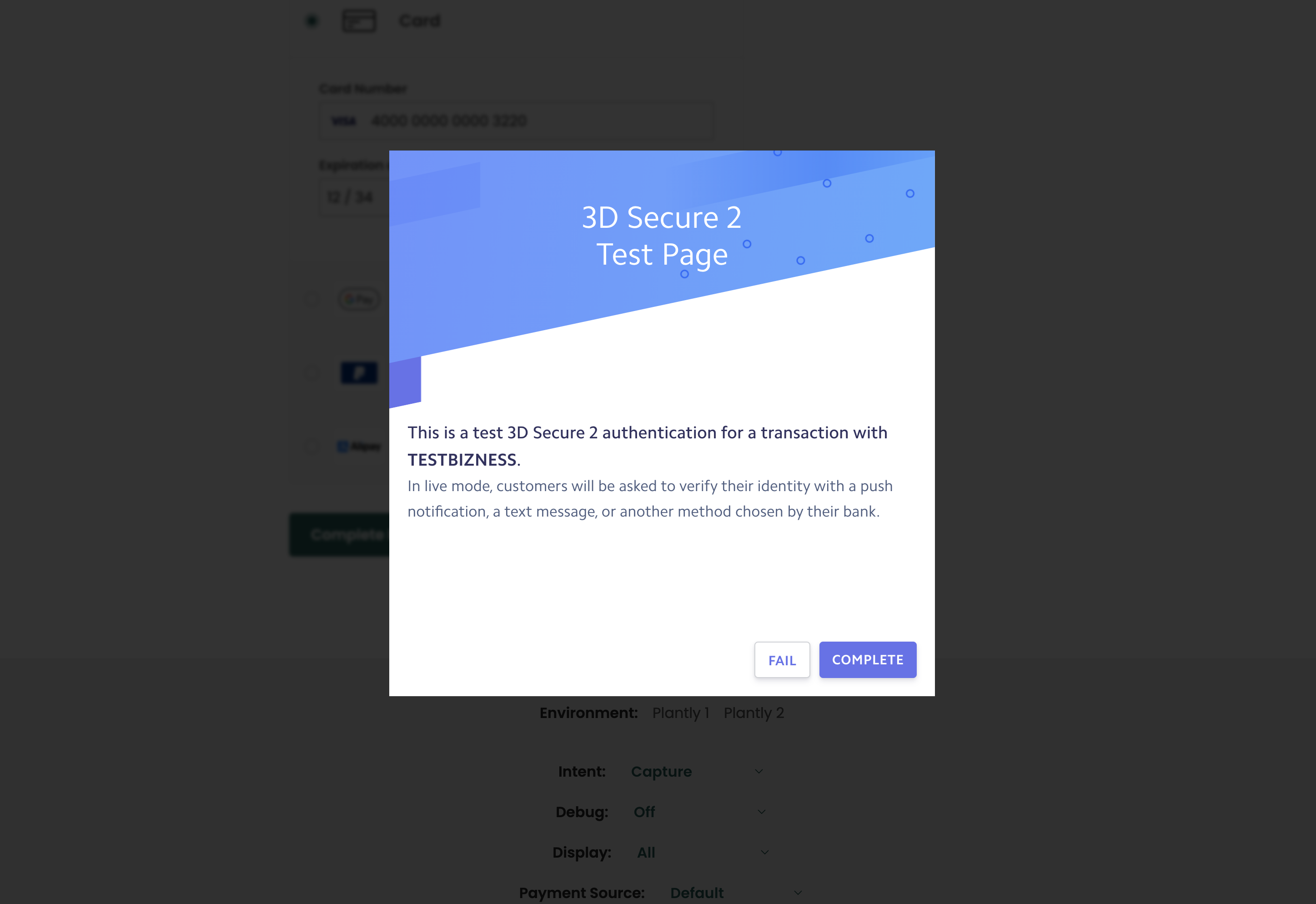
5. Handle the 3-D Secure challenge flow, where a buyer is directed in-page to
their bank to approve the transaction
## Usage
To use 3-D Secure in Embed, [set up](/guides/features/3ds/setup)
3-D Secure on any of the enabled payment services. Once configured, Embed will
handle all the user interactions.
Additionally, **Dynamic 3-D Secure** can be set up using Flow rules, allowing dynamic
skipping or forcing of 3-D Secure based on anti-fraud decisions, cart items, or any other transaction data.
## Buyers and billing details
To optimize 3-D Secure it is highly recommended to provide a buyer with billing details attached to Embed.
A buyer can be set up via the [`POST /buyers`](/reference/buyers/new-buyer)
API. The buyer can then be attached to Embed by using the `buyerId` or
`buyerExternalIdentifier` property. The buyer's name, email address, and billing
address are used to help reduce buyers being asked to complete a 3-D Secure
challenge.
```js React theme={"system"}
```
```js Node theme={"system"}
gr4vy.setup({
gr4vyId: "example",
amount: 1299,
currency: "AUD",
country: "AU",
buyerExternalIdentifier: "user-1234",
...
});
```
The instance ID is the unique identifier for the deployment of the system and is included in every API call.
Together with the environment (sandbox or production) it is used to connect to the right APIs, as well as dashboard.
We will use these billing details when contacting payment services, 3-D Secure Server, anti-fraud services, and more.
## Features
For every transaction, we will handle the following steps.
1. Detect if any Flow rule explicitly requires or skips 3-D Secure
2. Detect if the selected payment service for this transaction has 3-D Secure
enabled
3. Detect if the card used in the transaction is enrolled for 3-D Secure
4. Handle the seamless frictionless 3-D Secure flow including the device finger
printing
5. Handle the 3-D Secure challenge flow, where a buyer is directed in-page to
their bank to approve the transaction
## Usage
To use 3-D Secure in Embed, [set up](/guides/features/3ds/setup)
3-D Secure on any of the enabled payment services. Once configured, Embed will
handle all the user interactions.