> ## Documentation Index
> Fetch the complete documentation index at: https://docs.gr4vy.com/llms.txt
> Use this file to discover all available pages before exploring further.
# Settlement report scheduling
Once [settlement report import](./ingestion) has been set up, the creation of settlement reports can be scheduled.
To schedule the creation of a consolidated settlement report, a new scheduled report needs to be set up
via the report dashboard.
## Setup
A schedule can be set up which automatically creates daily consolidated settlement reports
for the payment services which are enabled for settlement report import. It is currently only
possible to create settlement reports via a report schedule. Custom and one-off reports are not yet available.
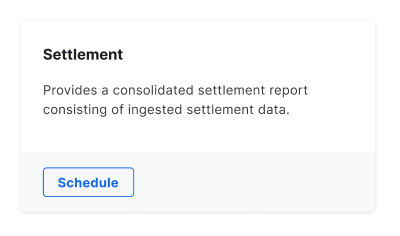
Log in to the dashboard and go to the **Reports** tab, scroll to the **Financial** reports and
then **Schedule** the **Settlement** report.
 In the drawer an overview is given of the connections that are enabled for import of settlement data.
If none of the connections are enabled, or do not support import of settlement data, then it is not possible to schedule a
report via the dashboard.
Once the schedule is enabled a consolidated settlement report becomes available for download daily after 2am UTC.
## Retrieval
Once a report is created, the report is made available for download via the **Generated** reports tab on the dashboard.
A webhook is also sent which includes the `report_execution_id`. This can be used to [fetch the report via the API](/reference/reports/generate-download-url).
In the drawer an overview is given of the connections that are enabled for import of settlement data.
If none of the connections are enabled, or do not support import of settlement data, then it is not possible to schedule a
report via the dashboard.
Once the schedule is enabled a consolidated settlement report becomes available for download daily after 2am UTC.
## Retrieval
Once a report is created, the report is made available for download via the **Generated** reports tab on the dashboard.
A webhook is also sent which includes the `report_execution_id`. This can be used to [fetch the report via the API](/reference/reports/generate-download-url).